Features

Evergine is a powerful component-based industrial 3D engine built on .NET 10 and designed to create high-performance, cross-platform real-time applications.
Build once, deploy anywhere
Deploy your Evergine applications across multiple platforms, from Windows desktop applications to web experiences using WASM, mobile devices, XR environments and embedded industrial solutions.

With Evergine, development teams can create flexible 3D applications that reach users wherever they work.
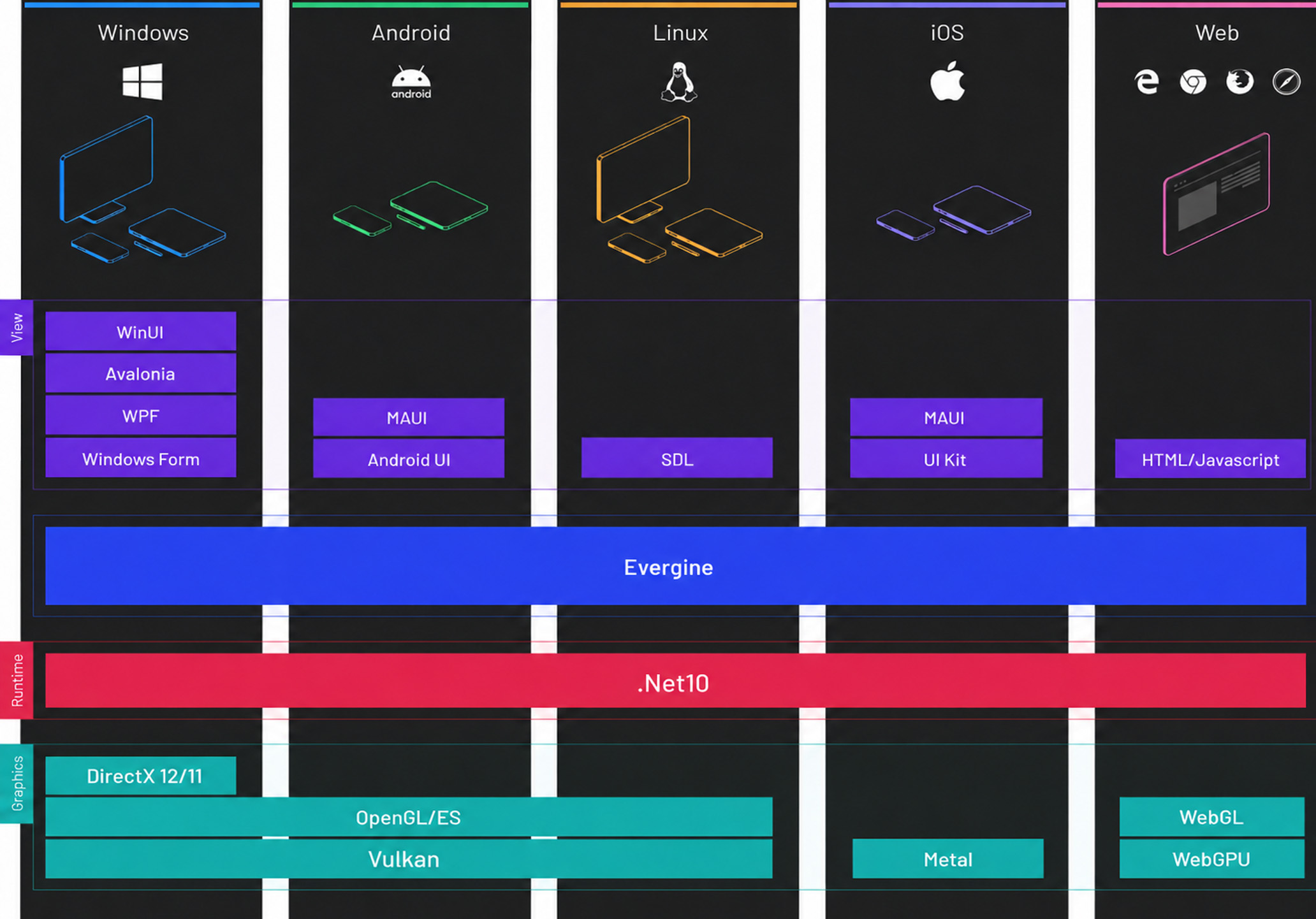
Take advantage of .NET 10
Evergine is aligned with the latest .NET ecosystem, allowing developers to build advanced 3D applications using modern C# capabilities, updated project profiles and long-term platform support.

Use the tools, language and workflows your .NET teams already know to create powerful real-time 3D solutions.

Adapt Evergine to your application
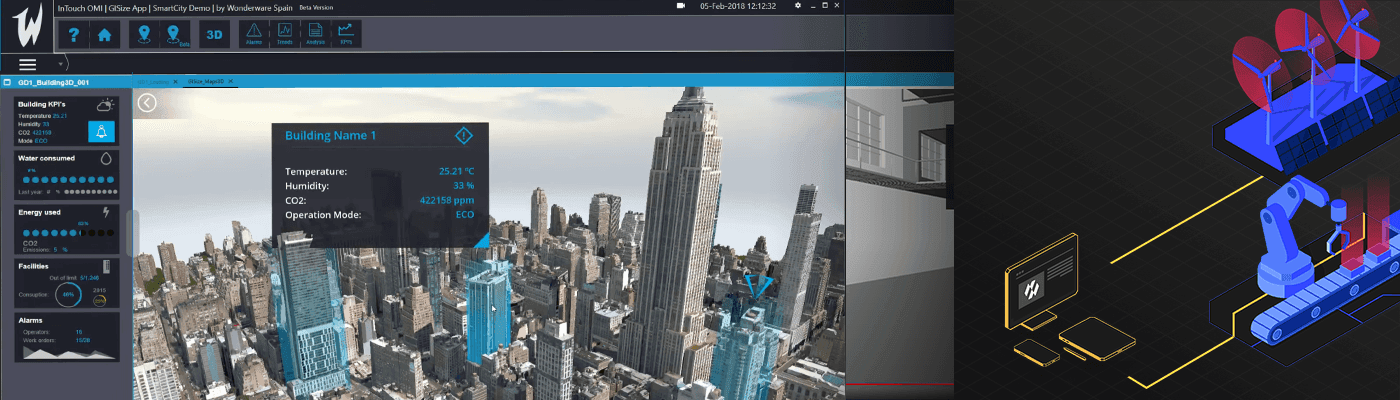
Evergine is designed to integrate smoothly into industrial and enterprise applications, supporting a wide range of UI technologies and adapting easily to new ones.

Embed real-time 3D visualization into existing business tools, engineering workflows, simulation platforms and professional software environments.
Go deeper into XR experiences
Bring a new level of immersion to your applications with Evergine’s VR, AR and MR capabilities, now including Android XR, Google’s new platform for headsets and glasses, supported from day one.

Create interactive training tools, digital twins, collaborative environments and immersive visualization experiences for industrial, educational and enterprise use cases.

XREAL AURA glasses, the first wired XR glasses on Android XR

Engine capabilities

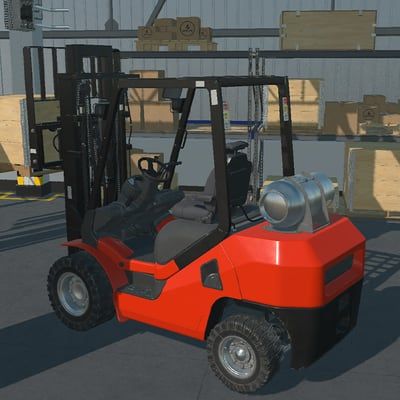
A forklift simulated with Jolt Physics in an industrial warehouse
Physics powered by Jolt
Evergine runs on Jolt Physics, a modern open source engine with wheeled and tracked vehicles, a new character controller, ragdolls and soft bodies such as cloth. The simulation is spread across CPU cores, so interactive applications, XR included, respond faster than ever.

It is also the first step toward Physical AI, where robots and autonomous machines are trained and validated in simulation. Read how we rebuilt physics.

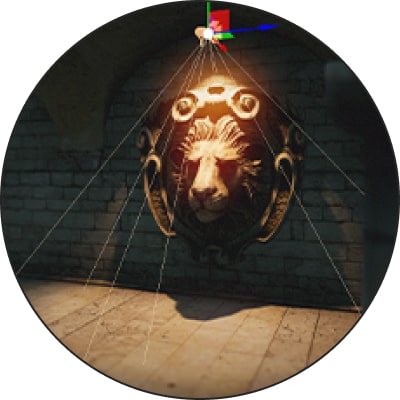
A Gaussian Splatting capture of a Roman bridge
Gaussian Splatting
Bring reality captures into your applications on desktop, mobile, web and XR. Splats are sorted and prepared on the GPU wherever compute shaders are available, and the most common formats, PLY, SPLAT, SOG, SPZ and KSPLAT, are detected automatically.

Try it with your own capture in splat.evergine.com.
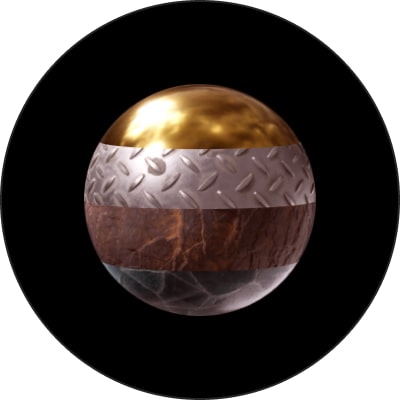
Advanced PBR rendering
Bring your applications to a new level of realism with physically based rendering, advanced materials and high-quality lighting for real-time 3D visualization.
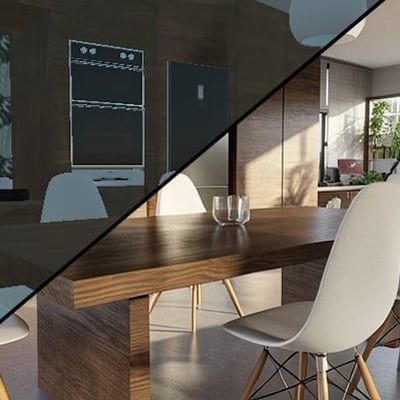
An interior lit with real lighting units
Photometric lighting and cameras
Use real lighting units and configure virtual cameras with advanced exposure parameters to achieve more accurate and realistic visual results.
Real-time shadows
Stable cascaded shadow maps that do not shimmer or crawl when the camera moves, a texel-based bias that removes stripes and floating shadows, and seamless shadows for spot, point and area lights.

Tune quality and performance per light, from the number of cascades to how often distant shadows are updated, with debug views to see exactly how each shadow is built. Discover the new shadow system.


Advanced post-processing pipeline
Enhance the visual quality of your applications with post-processing effects such as tone mapping, SSR, SSAO, TAA and other real-time rendering techniques.
Modern graphics API support
Evergine is built on four modern graphics APIs: DirectX 12, Vulkan, Metal and WebGPU. DirectX 12 is now the default backend for Evergine Studio and the project templates, after outperforming what we had with DirectX 11.

DirectX 11, OpenGL, OpenGL ES and WebGL remain available as legacy backends for the scenarios that still need them.
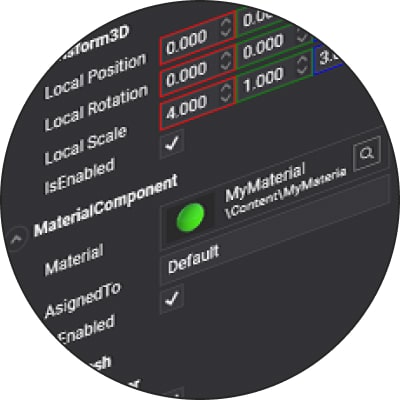
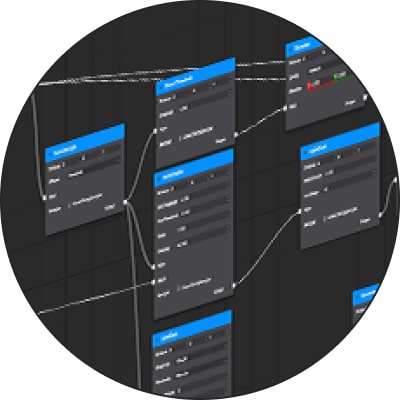
Component-based 3D engine
Evergine is a component-based engine designed to reduce complexity, improve flexibility and lower the overall development cost of industrial 3D applications.
Customizable RenderPipeline and RenderPath
Customize how Evergine renders your applications and adapt the rendering flow to different scenarios, devices, visual requirements and performance needs.

With Buffer Views, a single block of GPU memory can be read through several views, each covering a range and interpreting the bytes in its own way, the same on every graphics backend.
Modern GPU particles
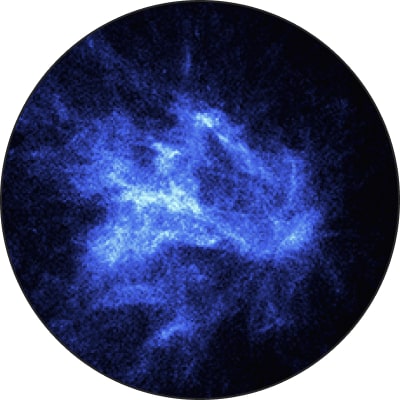
Use 2D and 3D GPU particles to enhance your application visuals and create a wide range of real-time effects for industrial, simulation and immersive experiences.
Advanced animation system
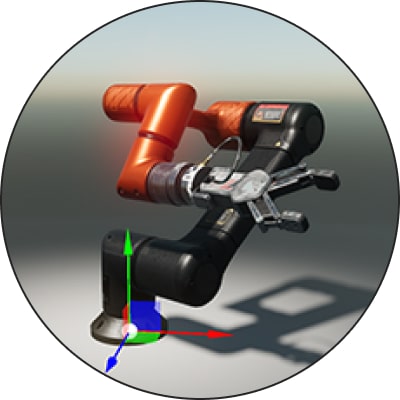
Evergine’s animation system extracts object, skeleton and morphing animations from your 3D models, making it easier to blend, synchronize and manage multiple animation tracks at the same time.
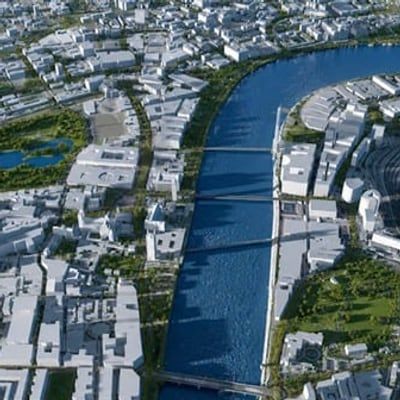
A city rendered from 3D geospatial tiles with the Cesium add-on
Extend it with add-ons
Add capabilities without leaving the engine. Cesium brings global terrain and 3D geospatial tiles, the Gaussian Splatting add-on brings reality capture, and Evergine MRTK brings XR interactions.