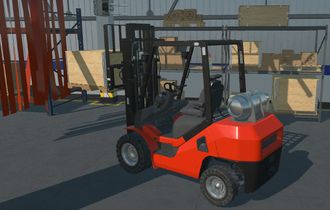
What’s New in the Gaussian Splatting Add-on
Faster on the GPU, more formats and better tools for your applications
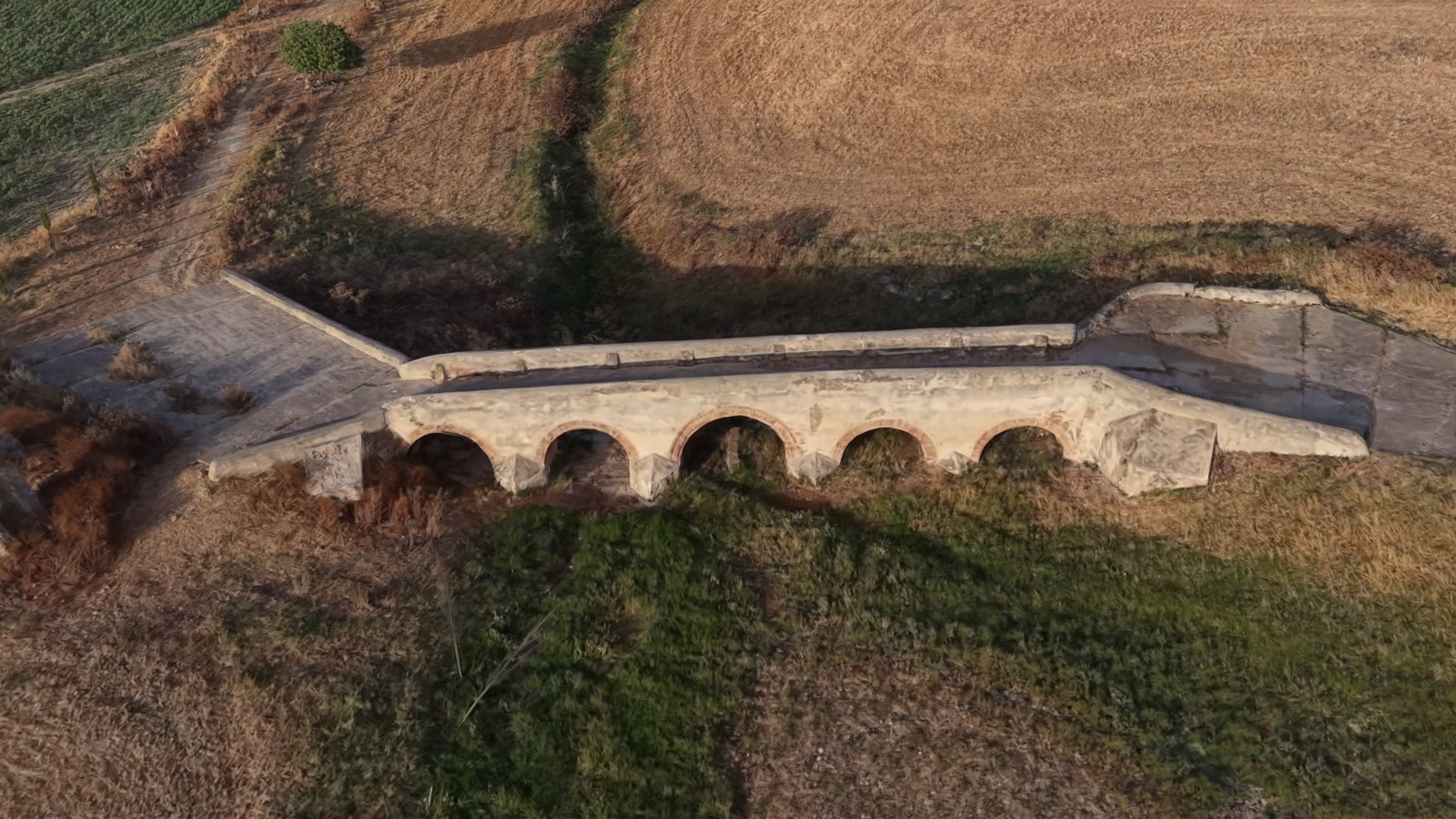
3D Gaussian Splatting has quickly become one of the best ways to bring the real world into a 3D application. A few minutes of photos or video are enough to rebuild a place or an object with photographic detail, and industrial teams use it more and more for digital twins, site documentation, inspections and immersive training.
The Gaussian Splatting add-on brings this technique to Evergine applications, on the desktop, on mobile and on the web. In our May release we added the compressed SOG format and WebGPU rendering to it. Since then we have kept improving the add-on in two directions: making it faster, especially on the web, and making it read the files you already have, whatever tool produced them. Along the way it has also gained new features for interactive applications and a cleaner, sturdier internal organization.
To make it easy to see these improvements, we have also published a web viewer built with the add-on, where anyone can drop a Gaussian Splatting file and open it in the browser.
In short:
- Compute shaders. On platforms that support them, such as DirectX 12, Vulkan, Metal and WebGPU, the add-on now processes the splats on the GPU with compute shaders before drawing them.
- Faster on the web. With WebGPU, browsers can now use the compute path too, and rendering is much faster than before.
- Tuned for every device. New options skip splats that barely contribute to the image and limit how often splats are re-sorted, which keeps phones cool and batteries alive.
- More formats. Uncompressed PLY, SPZ, KSplat, LCC and LCC2 join compressed PLY,
.splatand SOG. The format is detected automatically. - Selection and segmentation. Splats can now be highlighted and colored by groups, for example to show the result of AI segmentation.
- More stable and lighter. Faster loading, lower memory usage, clear load errors and many fixes.
- A web viewer to try it. splat.evergine.com is a viewer built with the add-on, where you can open your own models.
In this article
- Faster rendering with compute shaders
- Tuned for every device
- More stable, lighter and faster to load
- More formats, one pipeline
- Selection and segmentation
- Getting started
- See it in action: our web viewer
- What’s next
- Try it and tell us what you think
Faster rendering with compute shaders
To draw a Gaussian Splatting scene, every splat has to be projected onto the screen each frame: its 3D shape becomes a 2D ellipse, and its color is evaluated for the current viewing direction. Until now, this work was done in the vertex shader and repeated for every vertex of every splat.
On platforms that support compute shaders, such as DirectX 12, Vulkan, Metal and WebGPU, the add-on now does this work in a compute pass before drawing. The splat data is stored on the GPU in a compact layout, a compute shader processes each splat once per frame, and the draw only has to read the result. The sorting that blends the splats in the right order also runs on the GPU. This makes better use of the GPU, reduces the work per frame and leaves the CPU free for the rest of the application.
WebGPU
On the web, compute shaders are only available through WebGPU. The add-on has supported WebGPU since the May release, and now it also uses the compute path there, so scenes render much faster in browsers with WebGPU. This also required some changes in the Evergine WebGPU backend.
WebGL is still supported as a fallback for browsers without WebGPU. There, the splats are sorted in a web worker, so the page does not block.
Tuned for every device
A fast GPU path is half of the story. The other half is not doing work that nobody will see, which matters most on phones and tablets, where heat and battery are as important as frame rate.
- Minimum contribution. Many splats in a capture are so small or so transparent that they barely change the image, yet they cost the same to draw. The add-on can now skip every splat whose contribution to the screen is below a threshold, which reduces overdraw with very little visible difference. It is controlled by the
MinContributionproperty. - Sort interval. Re-sorting millions of splats on every frame is not always necessary. The
SortIntervalMsproperty sets a minimum time between sorts: while the camera moves, the order may be a few milliseconds old, and it is correct again as soon as the camera stops. It does not change the frame rate, but it reduces the sustained work that makes mobile devices throttle.
Both are regular properties of the GSplatMesh component, so each application can choose its own balance between quality and cost, or change it at runtime depending on the device.
More stable, lighter and faster to load
Not every improvement is visible on screen. A good part of the work has gone into making the add-on more reliable:
- Faster loading. The format readers have been reworked to allocate less memory and load scenes faster.
- Lower memory usage. Scenes need less memory, both while loading and once they are on the GPU.
- Clear load errors. If a file cannot be read, the add-on reports why, instead of failing silently.
- Better organized shaders. The code that the compute and drawing shaders share now lives in a single shader library, which makes the add-on easier to maintain and extend.
- .NET 10. The add-on and its samples have been updated to .NET 10, like the rest of Evergine.
- Many fixes, including gamma, alpha blending and point rendering on every backend.
More formats, one pipeline
3D Gaussian Splatting is still a young field, and many capture apps, training tools and web viewers use their own format. Some favor simplicity, others compression, streaming or very large scenes. To open the files you already have, the add-on now reads the most common formats:
| Format | Extension | Comes from | |
|---|---|---|---|
| PLY | .ply | The original 3DGS training code and most training tools | New |
| Compressed PLY | .ply | PlayCanvas SuperSplat | |
| Splat | .splat | Early web viewers | |
| SOG | .sog | PlayCanvas | Improved |
| SPZ | .spz | Niantic, used by Scaniverse | New |
| KSplat | .ksplat | GaussianSplats3D | New |
| LCC | folder | XGRIDS | New |
| LCC2 | folder | XGRIDS | New |
A few notes on the new ones:
- PLY: until now the add-on only read compressed PLY files. It now also reads uncompressed PLY, the standard output of most training tools, in ASCII and binary.
- SPZ is the compressed format that Niantic released as an open interchange format for Gaussian splats. Both version 4 and the older gzip files are supported.
- KSplat groups splats in spatial buckets and quantizes them with several compression levels.
- LCC and LCC2 are the formats of XGRIDS laser and camera scanners, designed for large scans. They are folders rather than single files: LCC stores several levels of detail in a spatial grid, and LCC2 splits the scene into chunks stored as SOG or SPZ.
You do not need to tell the add-on which format a file uses: it detects it from the content, not from the extension. Each reader converts its input into the same internal representation, so every format benefits from the same rendering, the same GPU pipeline and the same options.
Selection and segmentation
Splats can now carry extra information per splat, which opens the door to interactive applications:
- Selection. A selection texture marks which splats are selected, and the renderer highlights them with a selection color. A preview color shows what is about to be selected.
- Segmentation. You can assign a label to every splat and a color to every label, and the add-on renders the scene colored by segments. That is a natural way to show the result of an AI model that recognizes objects in a capture: walls, machines, pipes or vehicles, each in its own color.
Getting started
Install the Evergine.GaussianSplatting add-on from the Add-ons Manager in Evergine Studio, and drag the GSplatPrefab prefab into your scene. Or create the entity from code:
using Evergine.Framework;
using Evergine.Framework.Graphics;
using Evergine.GaussianSplatting;

public class MyScene : Scene
{
    protected override void CreateScene()
    {
        var gaussianSplatting = new Entity("GaussianSplatting")
            .AddComponent(new Transform3D())
            .AddComponent(new GSplatMesh()
            {
                // Any supported format: .ply, .splat, .sog, .spz, .ksplat or an LCC folder
                SplatPath = "Splats/warehouse.spz",

                // Optional: skip splats that barely contribute to the image
                MinContribution = 0.15f,

                // Optional: re-sort at most every 150 ms
                SortIntervalMs = 150,
            })
            .AddComponent(new GSplatRenderer());

        this.Managers.EntityManager.Add(gaussianSplatting);
    }
}
The add-on chooses the compute path by itself on the platforms that support it, so the same code runs everywhere. The Gaussian Splatting section of the Evergine documentation explains every component and the extra steps for web projects.
See it in action: our web viewer
To make it easy for anyone to try the add-on, we have published a Gaussian Splatting viewer at splat.evergine.com. It is an example application built with Evergine and the Gaussian Splatting add-on, so everything described in this article is running there. It is free, it runs in the browser and there is nothing to install: drag a model onto the page and it opens.
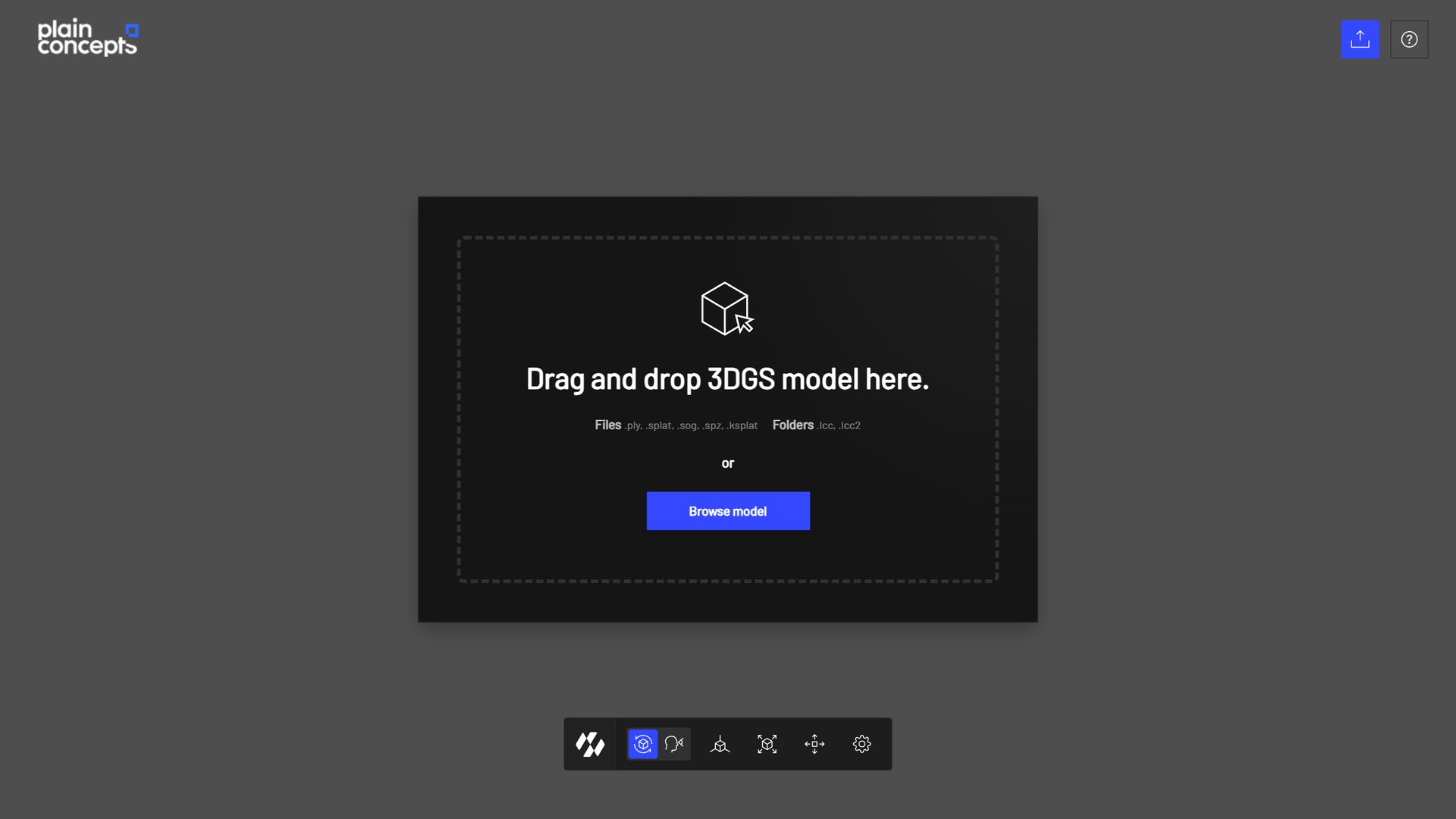
Drop a file or a folder onto the page, or browse for it
These are its main features:
- Open any supported format. Drop a file or a folder onto the page, or browse for it.
- WebGPU or WebGL, chosen for you. The viewer detects what your browser supports and uses WebGPU when it is available, with WebGL as a fallback.
- Better camera handling. Orbit around an object or move freely through a scene, frame the model in one click, and check the mouse, keyboard and touch controls in a help panel.
- Tools to inspect a model. Adjust its position, rotation and scale, or show the center of every Gaussian to check the structure of the capture.
- Performance tools. Show the frame rate and a performance panel, and turn on High Performance mode on modest devices, such as phones and tablets.
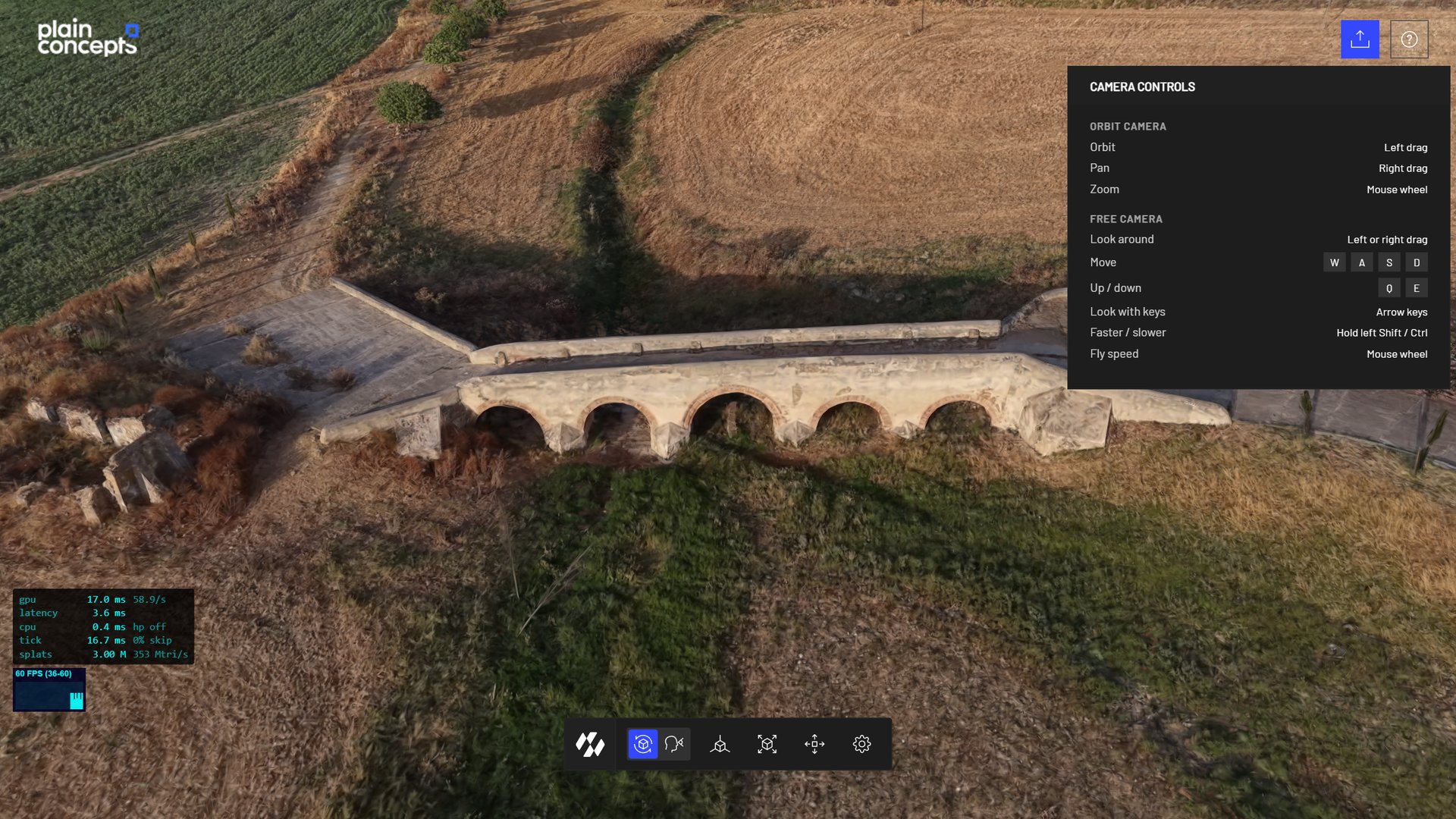
The toolbar switches between the orbit and free cameras, frames the model and opens the transform and options panels. The help button lists the camera controls
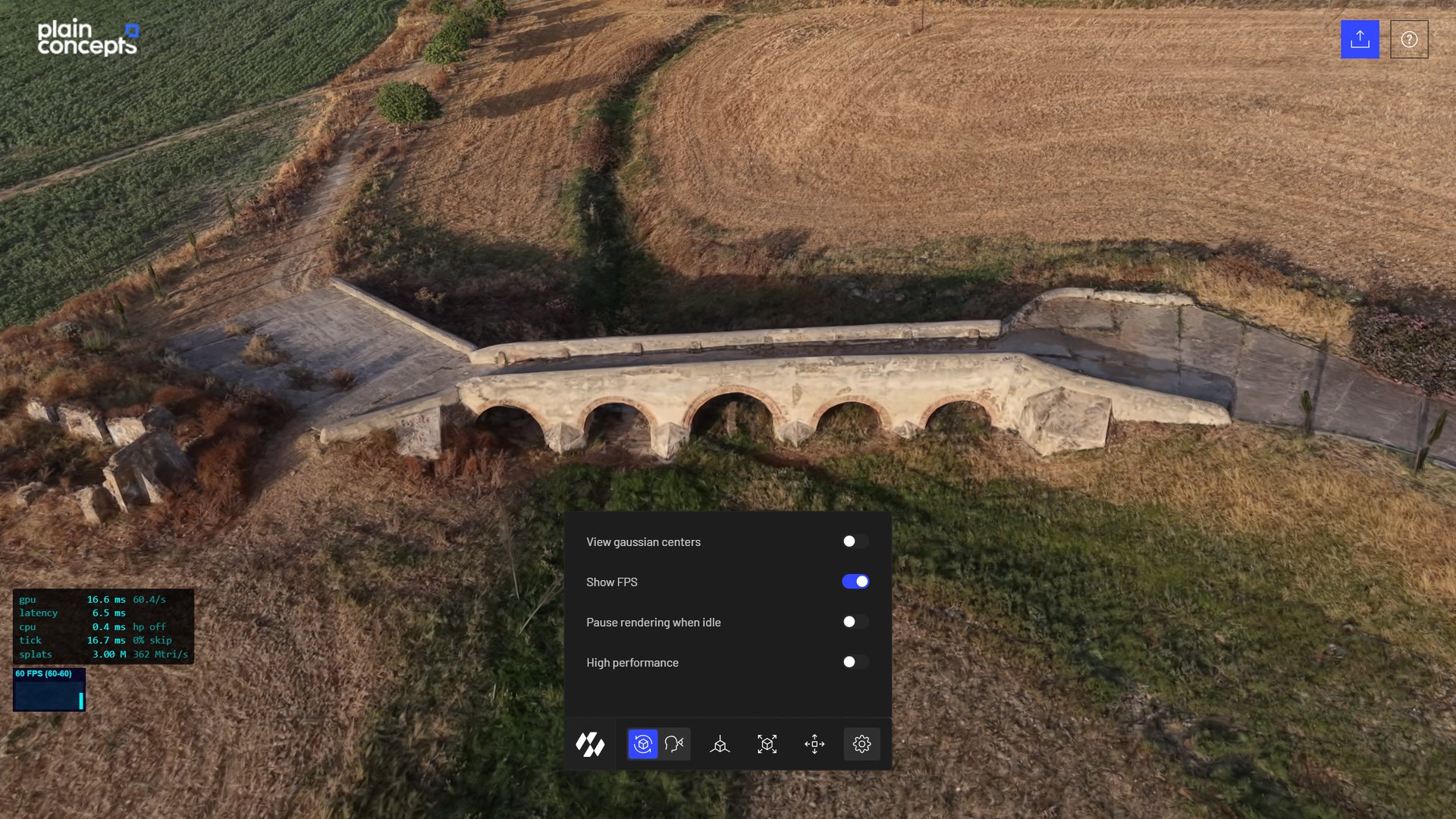
The options panel, with the performance panel on the left
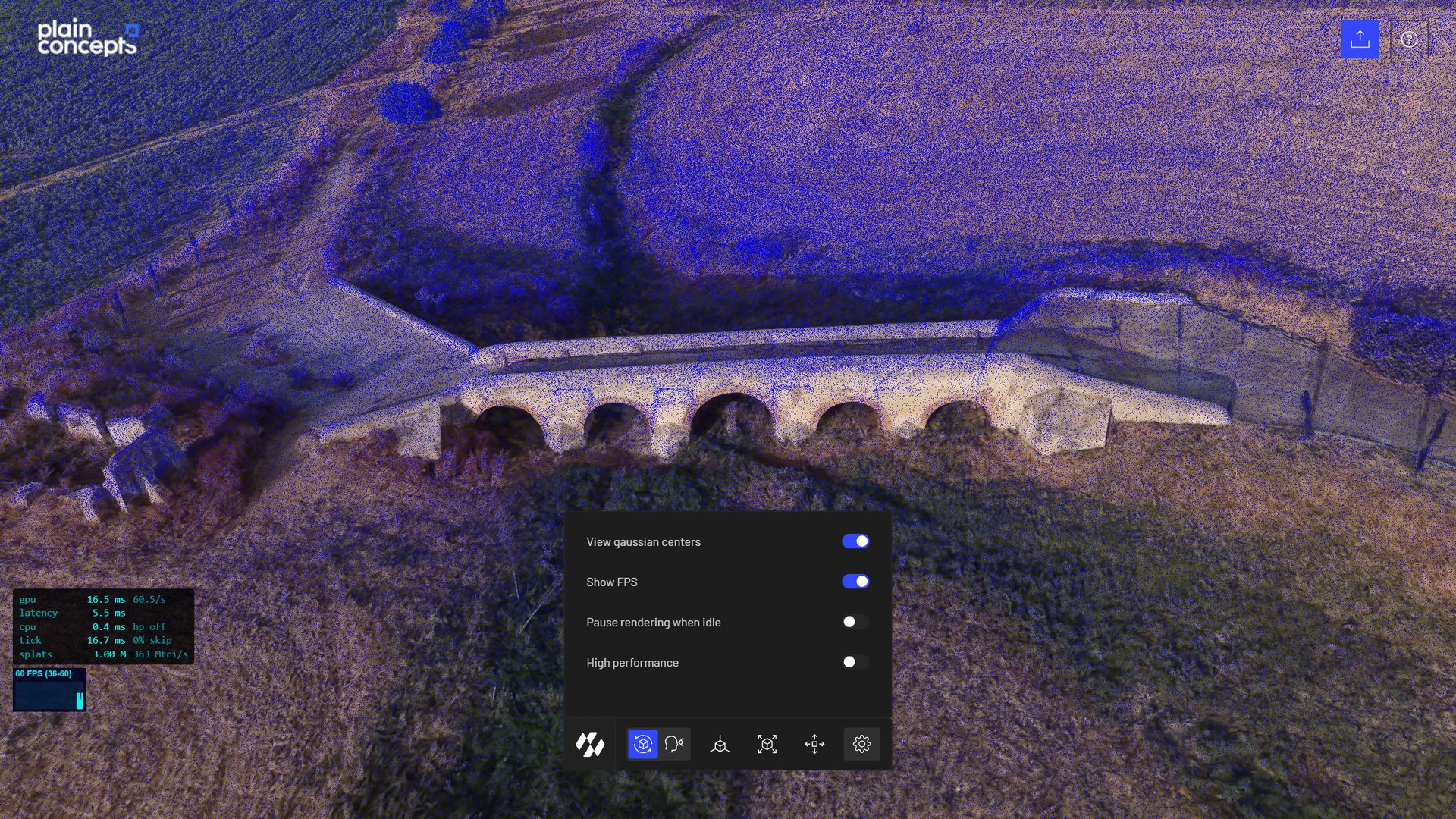
Showing the center of every Gaussian helps to check the density and the structure of a capture
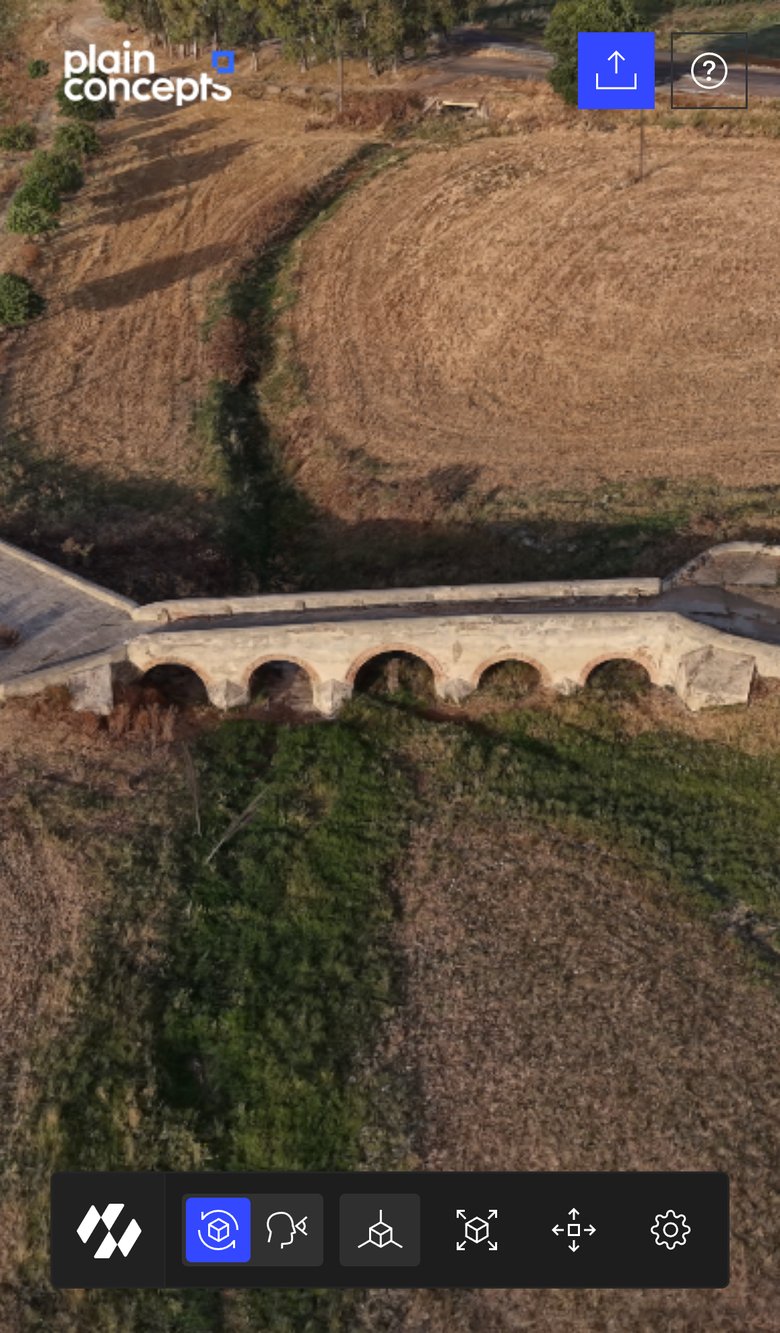
The viewer on a phone, with touch controls
Besides showing what the add-on can do, it is a handy tool for everyday work: checking that an export opened correctly, comparing two versions of a scan, or showing a capture in a meeting without preparing a project.
What’s next
Gaussian Splatting is evolving fast, and we will keep adding support for the new formats and techniques that appear. These are some of the things we are working on now:
- Streaming. Loading and rendering a scene progressively from the network, instead of downloading the whole file before showing anything.
- Automatic collision generation. Generating colliders from a capture, so that it can take part in the physics simulation and users can walk on it or interact with it.
Both aim at the same goal: making Gaussian Splatting scenes not only something to look at, but something applications can interact with.
Try it and tell us what you think
These improvements are part of the November 2026 release of Evergine. Update Evergine, add the Gaussian Splatting add-on to your project and load your captures.
- Browse the Evergine documentation, where the Gaussian Splatting section covers the add-on in detail.
- Open your own models in our web viewer, at splat.evergine.com.
- Read the previous articles about SOG and WebGPU support and the earlier improvements to the add-on.
- Found a problem, or have an idea? Tell us in the Evergine feedback repository.
We’d love to see what you capture, and to hear which formats or features you would like next.